
In Outlook, look for the “Get Add-Ins” button or “Store” button or “…” icon at the top of Outlook to open ‘Add-Ins’.
Search for “Highway” and click ‘Add’ and then ‘Continue’ to download it
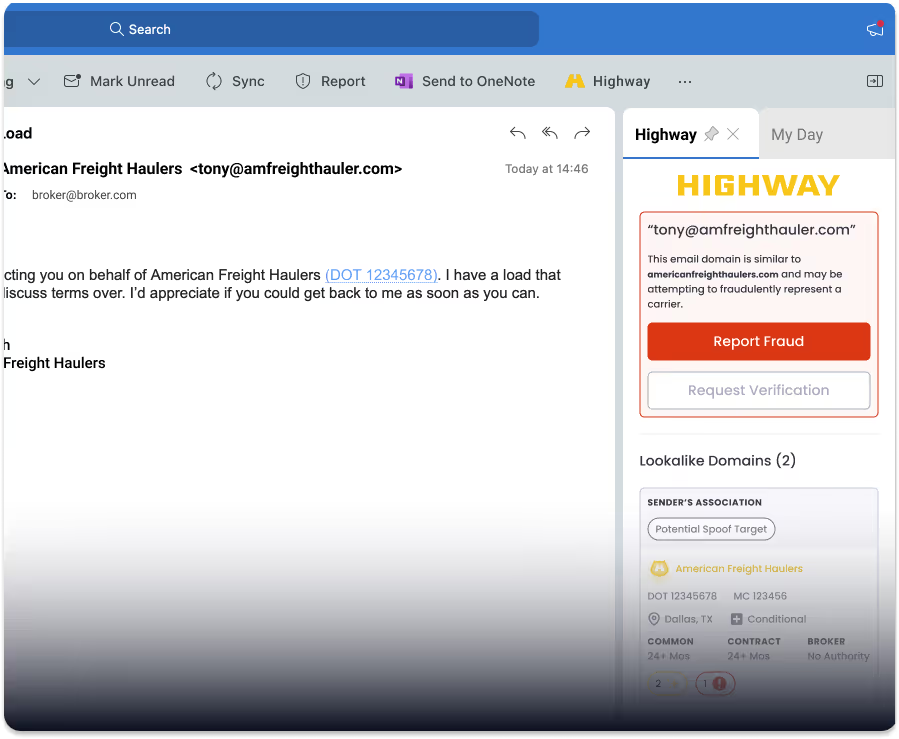
In the task pane, log in to Highway and consider pinning the task pane so that it doesn’t disappear.
After the installation is complete, look for the Highway add-in button at the top of Outlook
In the task pane, log in to Highway and consider pinning the task pane so that it doesn’t disappear